How to Set Up a Smart Plug with Google Home
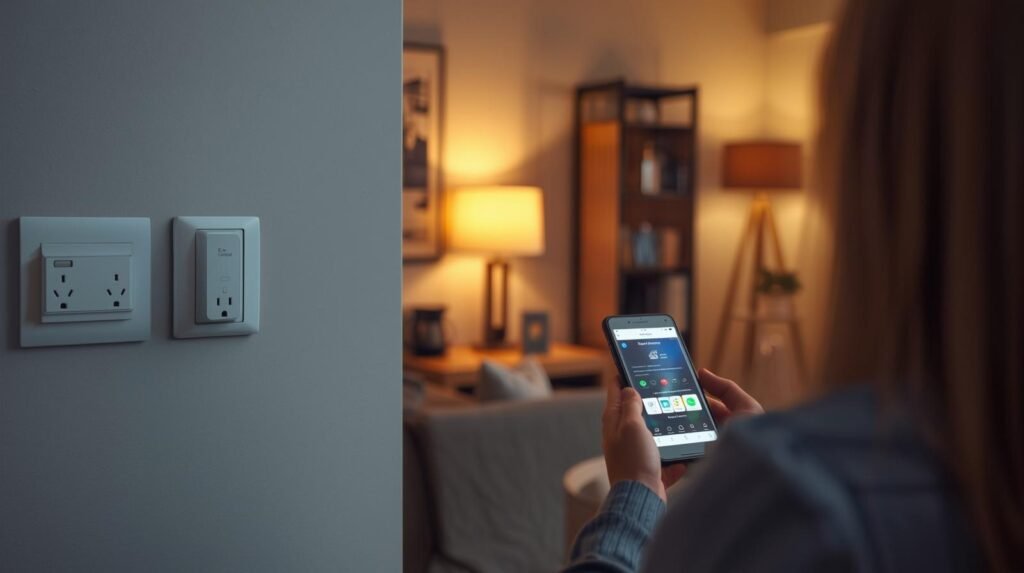
Ever wished you could turn off your lights, coffee maker, or fan without getting up? With a smart plug and Google Home, you can control your devices with just your voice—or a tap on your phone.
If you’re new to smart homes, don’t worry. Setting up a smart plug is easier than you think. In this guide, I’ll walk you through the process step by step and show you the best smart plugs to get started.
If you’re in a hurry, here’s a quick comparison of the best options available right now.
| Product | Outlets | Weather Rating | Voice Assistants | Best For |
|---|---|---|---|---|
| TP-Link Kasa Smart Plug HS103P4 | 1 | Indoor | Google, Alexa | Best overall |
| Amazon Smart Plug | 1 | Indoor | Google, Alexa | Simple setup |
| Wyze Plug Outdoor | 2 | IP64 | Google, Alexa | Outdoor use |
| Govee Smart Plug | 1 | Indoor | Google, Alexa | Energy tracking |
| meross Smart Wi-Fi Plug Mini | 1 | Indoor | Google, Alexa | Apple users |
⭐ Top Pick: Best Smart Plug for Google Home
TP-Link Kasa Smart Plug HS103P4 is the best overall choice thanks to its reliable app, simple setup, and seamless Google Home integration.
How to Set Up a Smart Plug with Google Home
Step 1: Plug in and Power On
Insert your smart plug into a wall outlet and make sure it’s powered on. Most devices will start blinking, indicating they are ready for setup.
Step 2: Install the Manufacturer App
Download the app for your device (Kasa, Wyze, Govee, or meross) and create an account.
Step 3: Connect to Wi-Fi
Follow the app instructions to connect your smart plug to your home Wi-Fi network. Make sure you’re using a 2.4GHz network if required.
Step 4: Add Device to Google Home
Open the Google Home app, tap “+ Add”, then “Works with Google”. Select your device brand and log in.
Step 5: Assign Room and Name
Give your device a name like “Living Room Lamp” and assign it to a room for easy voice control.
Step 6: Test Voice Commands
Try saying: “Hey Google, turn on the lamp.” If it works—you’re all set!
Best Smart Plugs for Google Home
TP-Link Kasa Smart Plug HS103P4
- Works with Google Assistant
- No hub required
- Compact design
This plug is perfect if you want something that just works. The setup is smooth, and the app is very intuitive.
Best for beginners who want a reliable smart home experience without complications.
Amazon Smart Plug
- Compact and lightweight
- Easy setup process
- Reliable connectivity
A great option for users who want simplicity. It integrates easily and works well for basic smart home tasks.
Best for users who want a quick and easy setup without extra features.
Wyze Plug Outdoor
- IP64 weather resistant
- Dual outlets
- Energy monitoring
This is the go-to option for outdoor use like patios, gardens, or holiday lights.
Best for anyone who needs smart control outside the home.
Govee Smart Plug
- Energy monitoring features
- App-based automation
- Voice assistant support
If you like tracking your energy usage, this is a smart choice. It gives insights into how your devices consume power.
Best for users focused on efficiency and automation.
meross Smart Wi-Fi Plug Mini
- Supports multiple platforms
- Fast response time
- Compact design
This plug is ideal if you use multiple ecosystems like Apple HomeKit and Google Home.
Best for users with mixed smart home setups.
Conclusion
Setting up a smart plug with Google Home is one of the easiest ways to start building your smart home.
If you want the best overall option, go with the TP-Link Kasa Smart Plug HS103P4.
On a budget? The Amazon Smart Plug is a solid choice.
Need outdoor control? The Wyze Plug Outdoor is your best bet.
No matter which one you choose, you’ll be just minutes away from controlling your home with your voice.